Your calendar, at a glance.
Calance shows your day, your week and your month in one calm, clear view, with widgets for your Home Screen. It works with the calendars already on your iPhone, so there’s nothing to move and no account to make.
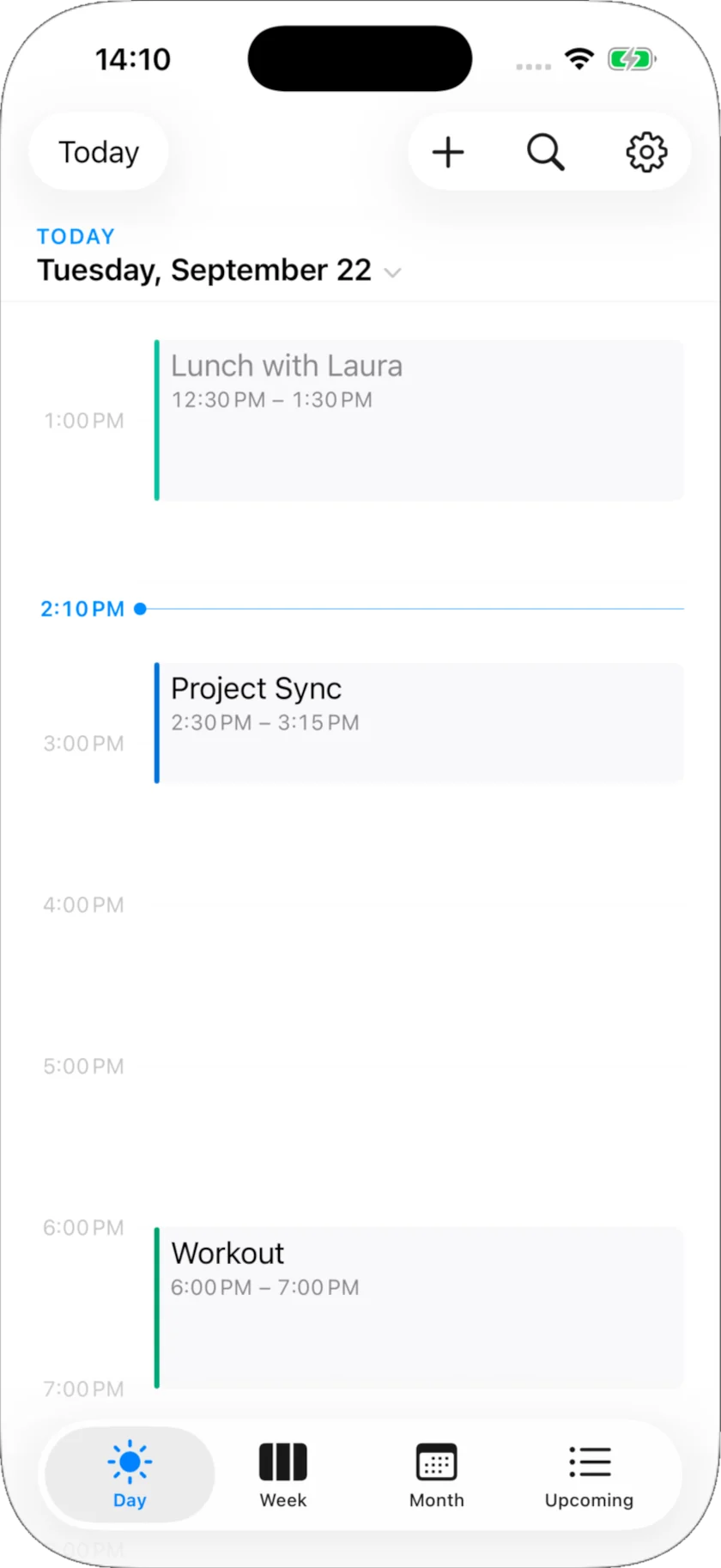
Day, week or month. Whatever you need to see.
Three views of the same calendar, one tap apart.
One continuous timeline
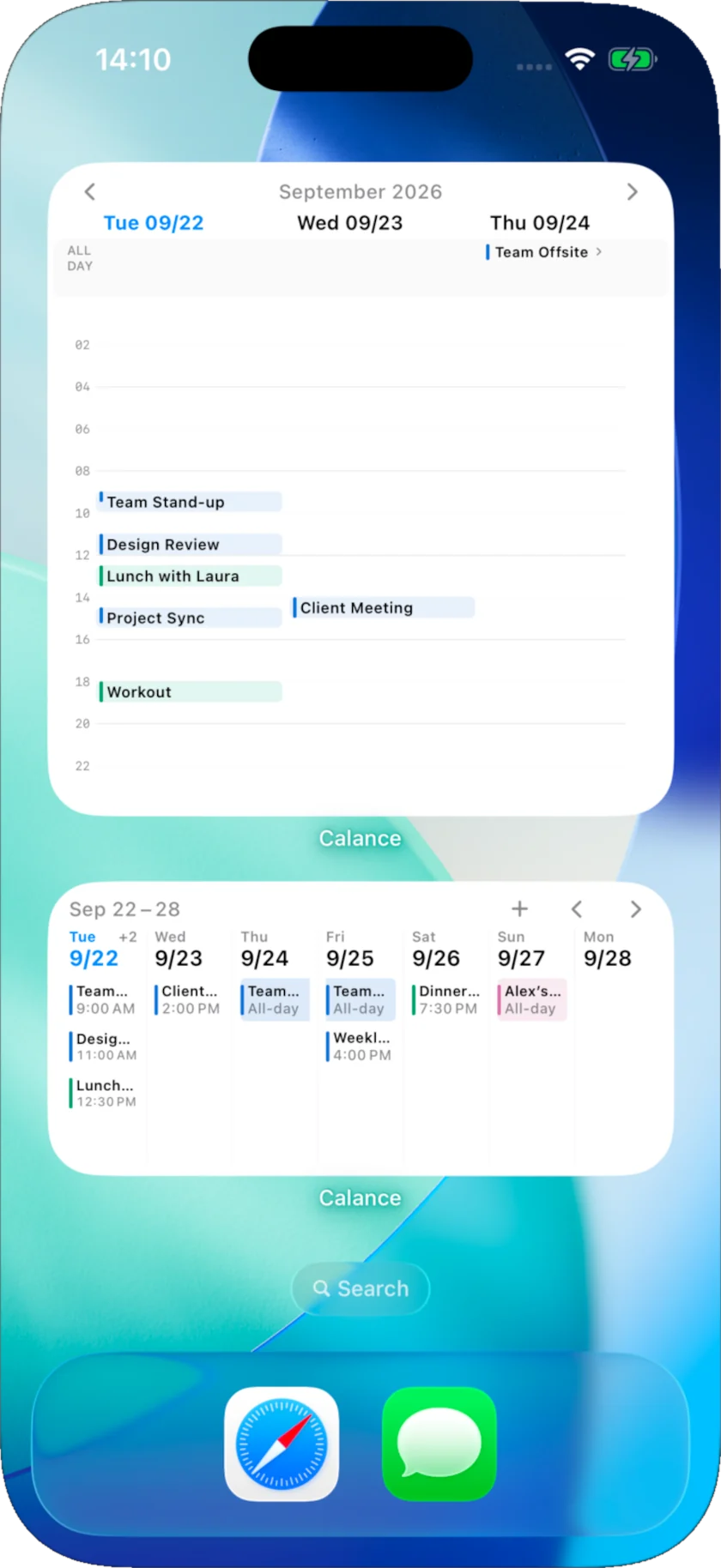
Your whole day in one scroll, with the current time always marked. Events that are already over fade back, so what’s next stands out.
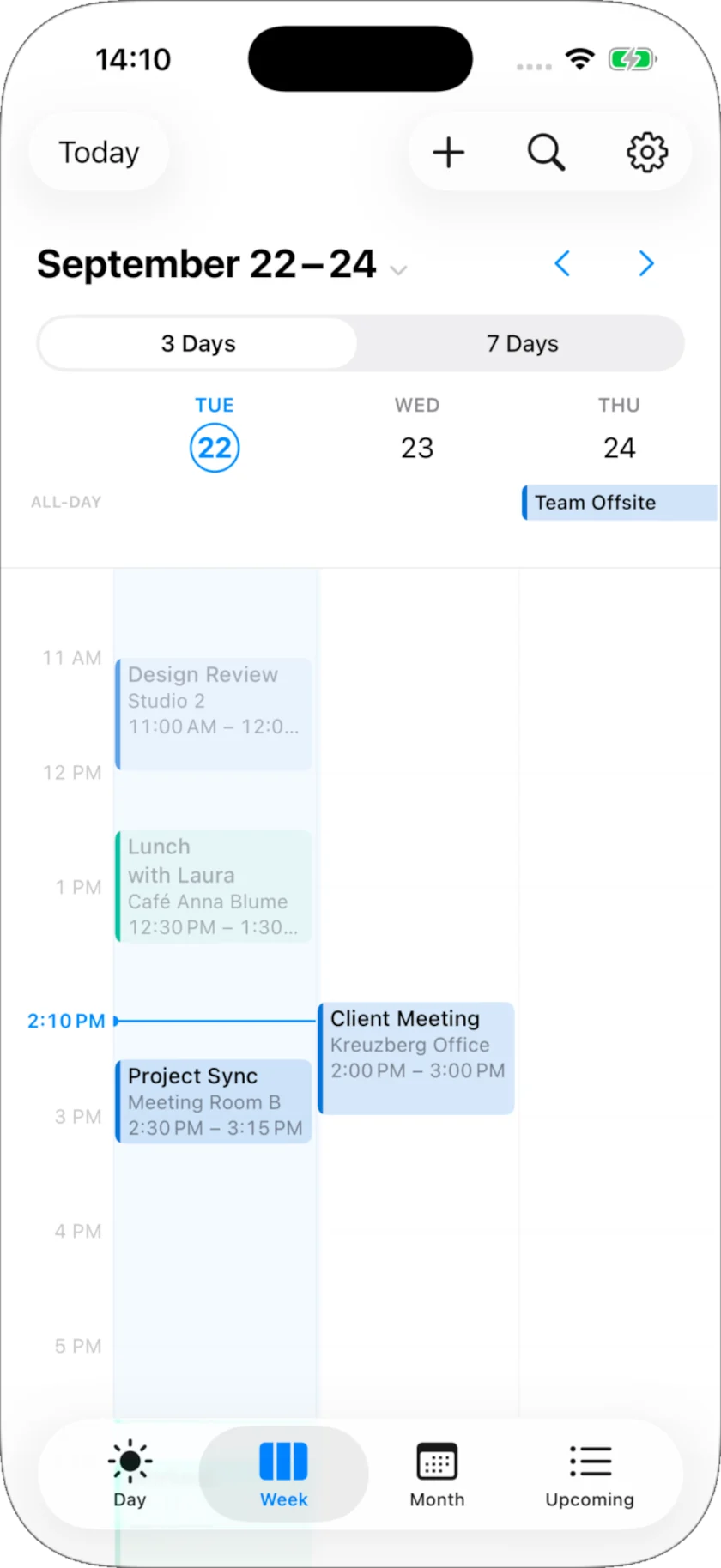
Three days or the whole week
Three days give every event room for its title, place and time. Seven days show the shape of the week. Switch between them in one tap.
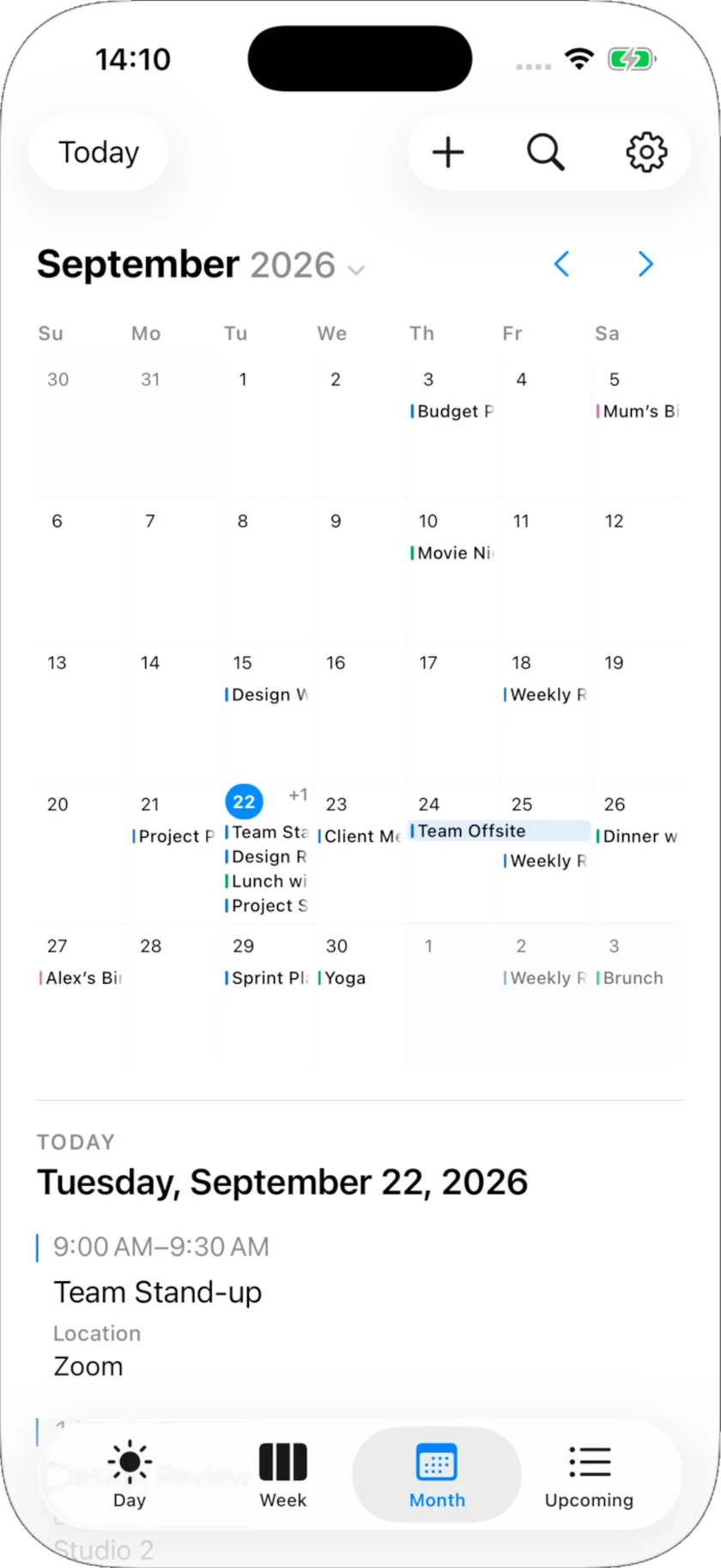
The month, with what’s on each day
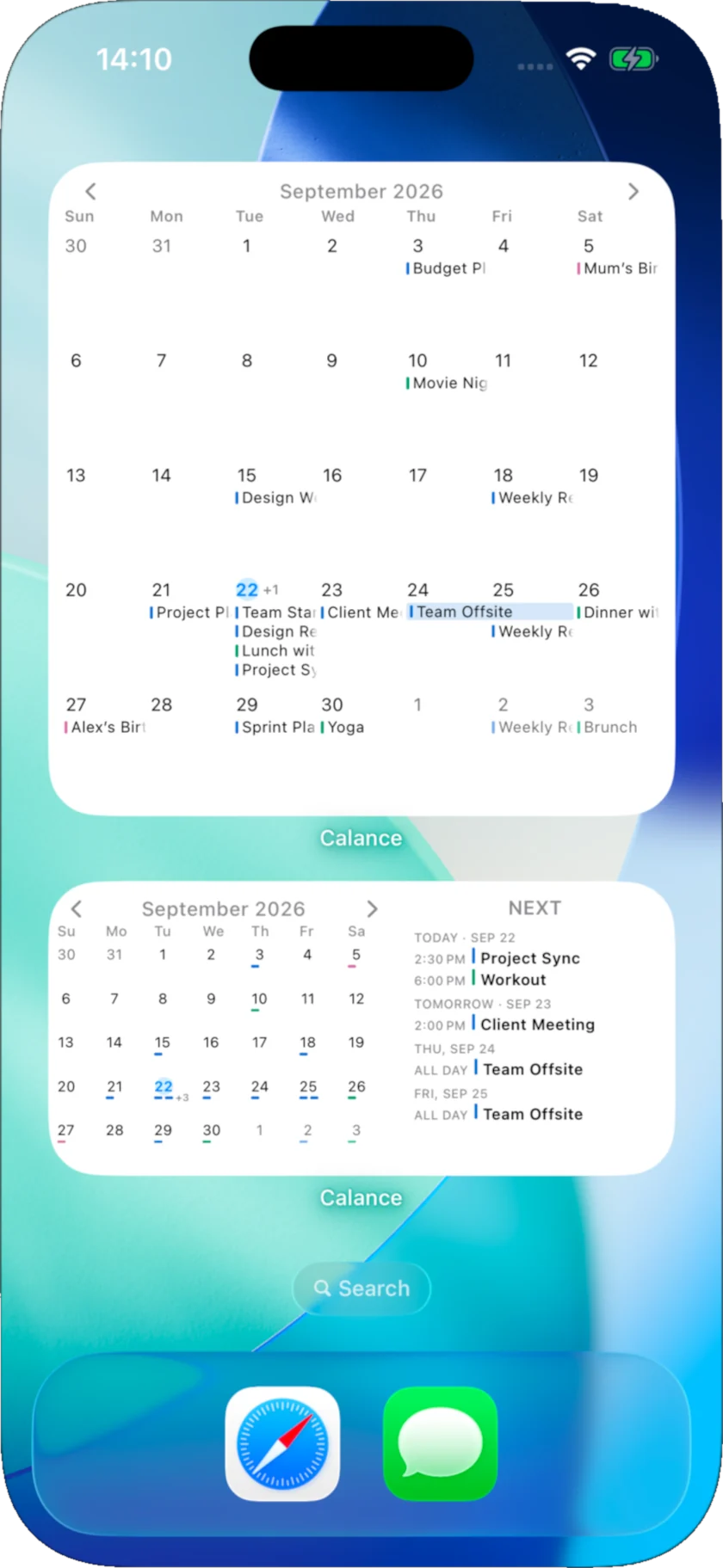
Event titles, birthdays and holidays right in the grid, not just dots. Today’s events sit underneath, ready to open.
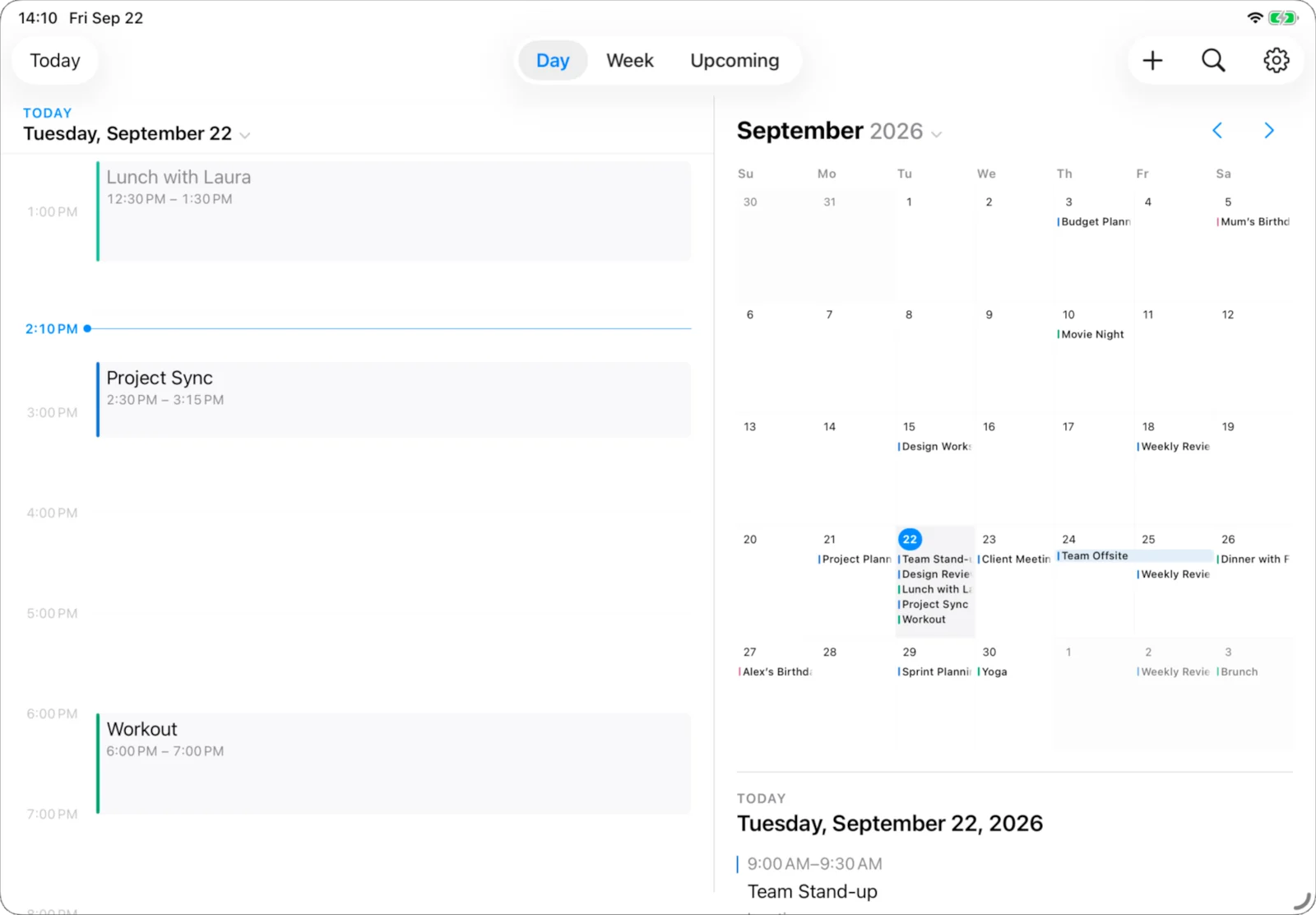
On iPad, your day and your month side by side.
The extra space goes to your schedule: the timeline on one side, the whole month on the other.
Your calendar, without opening it.
Widgets for your Home Screen in every size. Each one shows the calendars you choose for it, and a tap takes you straight to the event or day.
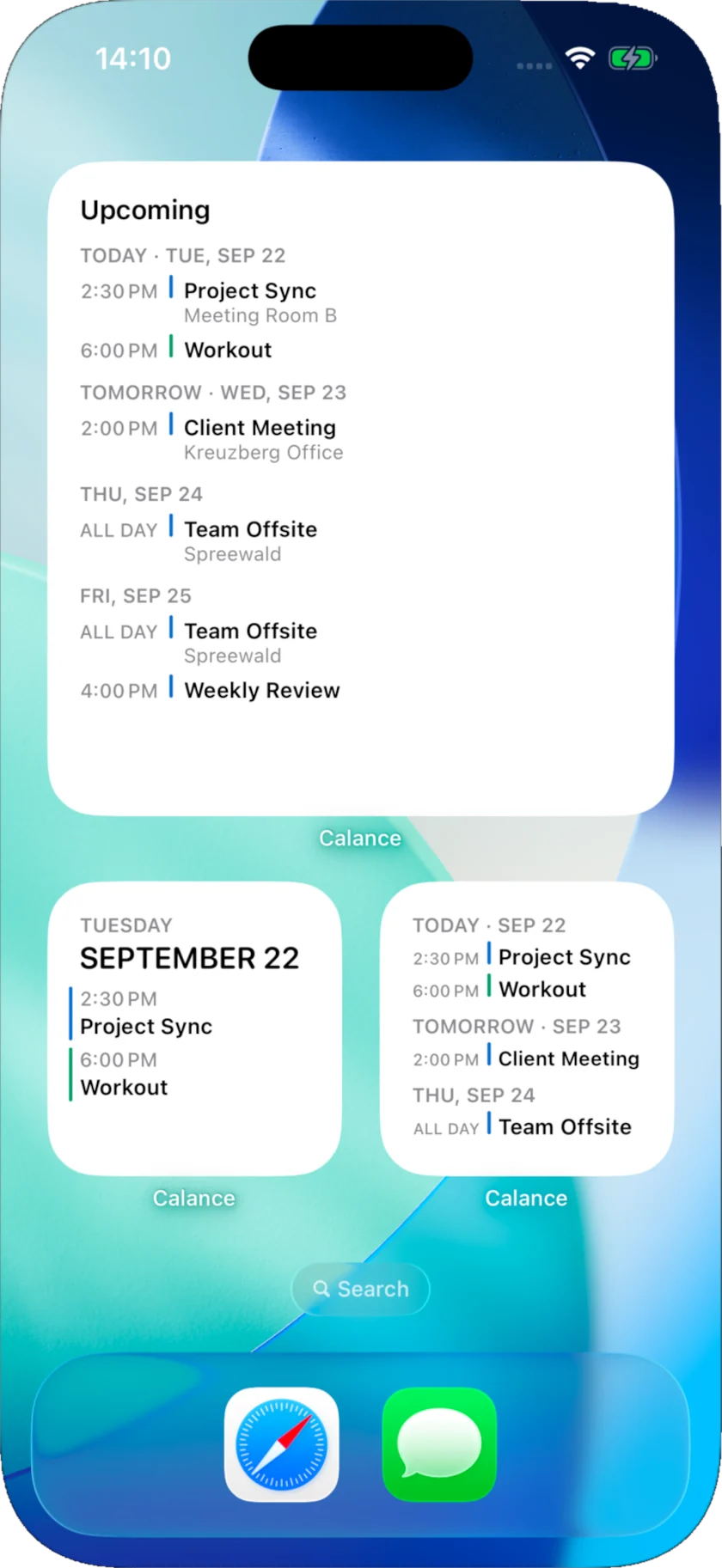
- Lock Screen widgetsYour next events, right on the Lock Screen.
- Page through timeFlip to the next month or days without opening the app.
- Reminders, if you want themDated reminders can appear in selected widgets.
No new calendar to move into.
Calance doesn’t keep its own copy of your events. It reads and writes the calendars that are already set up on your iPhone, so Apple Calendar stays your source of truth and every change shows up in both.
 Calance reads & edits
Plan right in Calance.
Create an event with the + button, or press and hold an empty slot on the timeline. Drag an event’s edge in the Day view to change how long it takes.
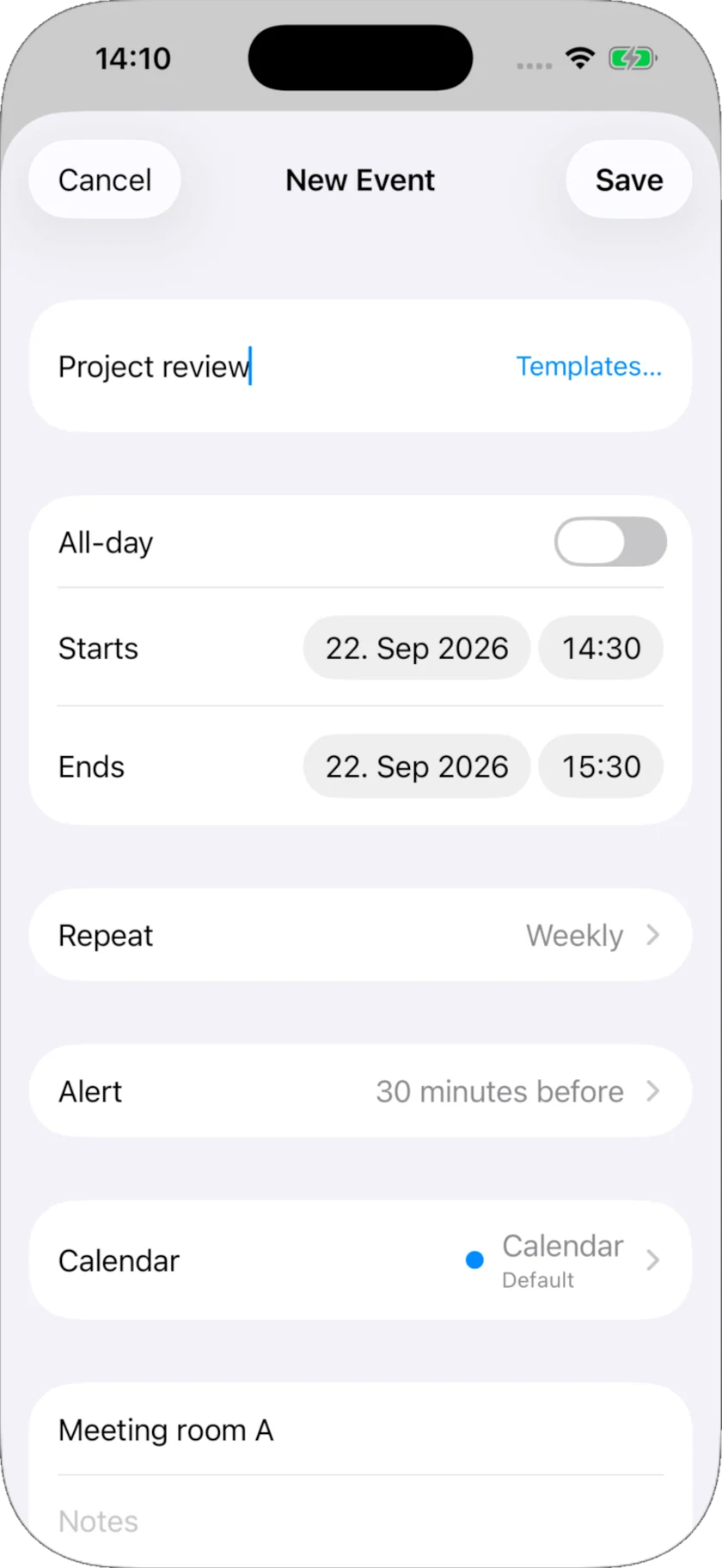
- Create, edit and deleteTitle, time, location, notes and calendar, all in one sheet.
- Recurring eventsFlexible intervals and selected weekdays, like every other Tuesday and Thursday.
- AlertsAdd alerts and manage the ones your events already have.
- Reminders NewDated reminders appear right alongside your events.
- DirectionsOpen an event’s location in Apple Maps or Google Maps.
- Search and jumpFind any event, or go straight to any date.
Data Not Collected.
Calance reads your calendar on your device and shows it to you. That’s all it does with it. There’s no Calance server for your events to go to.
- No advertising
- No tracking
- No analytics
- No user accounts
“It’s the only one I’ve found that actually displays holidays. I love the widget too.”
Questions
Is Calance free?
Yes. Calance is free to download on the App Store.
Which devices does it run on?
iPhone and iPad with iOS or iPadOS 18 or later.
Which calendars work with Calance?
Every calendar set up on your iPhone: iCloud, Google, Exchange and Outlook, and subscribed calendars such as holidays. If it shows up in Apple Calendar, it shows up in Calance.
Does it replace Apple Calendar?
It works alongside it. Both apps use the same calendars, so an event you create or change in Calance is immediately in Apple Calendar too, and the other way round.
Why does Calance ask for Full Calendar Access?
To show your events and to let you create and edit them. The data stays on your device. You can change or revoke access at any time in the iOS Settings app. Reminders access is optional and only needed if you want dated reminders in Calance.
Which languages is Calance available in?
English and German.
Need help with Calance?
Have a question, found a problem or want to share feedback? Write to me. For technical issues, it helps to include your iOS version and your Calance version (shown in Settings in the app).
Your calendar, at a glance.
Free for iPhone and iPad. Works with the calendars you already have.